YouTube Creator Tips, Fixes & Tutorials

Create Anime Recap Videos: 5 Best Rules for Solo Creators

create anime recap videos production workflow setup

Publishing long-form anime recaps and character breakdowns on YouTube requires a far more disciplined workflow than basic television commentary. If you plan to create anime recap videos that retain audiences across 15 to 20 minutes, your presentation cannot rely on passive episode summaries. Viewers quickly leave when narration drags, visual presentation feels repetitive, or pacing … Read more
How to Script a True Crime Video for YouTube: 5-Beat Tension Framework

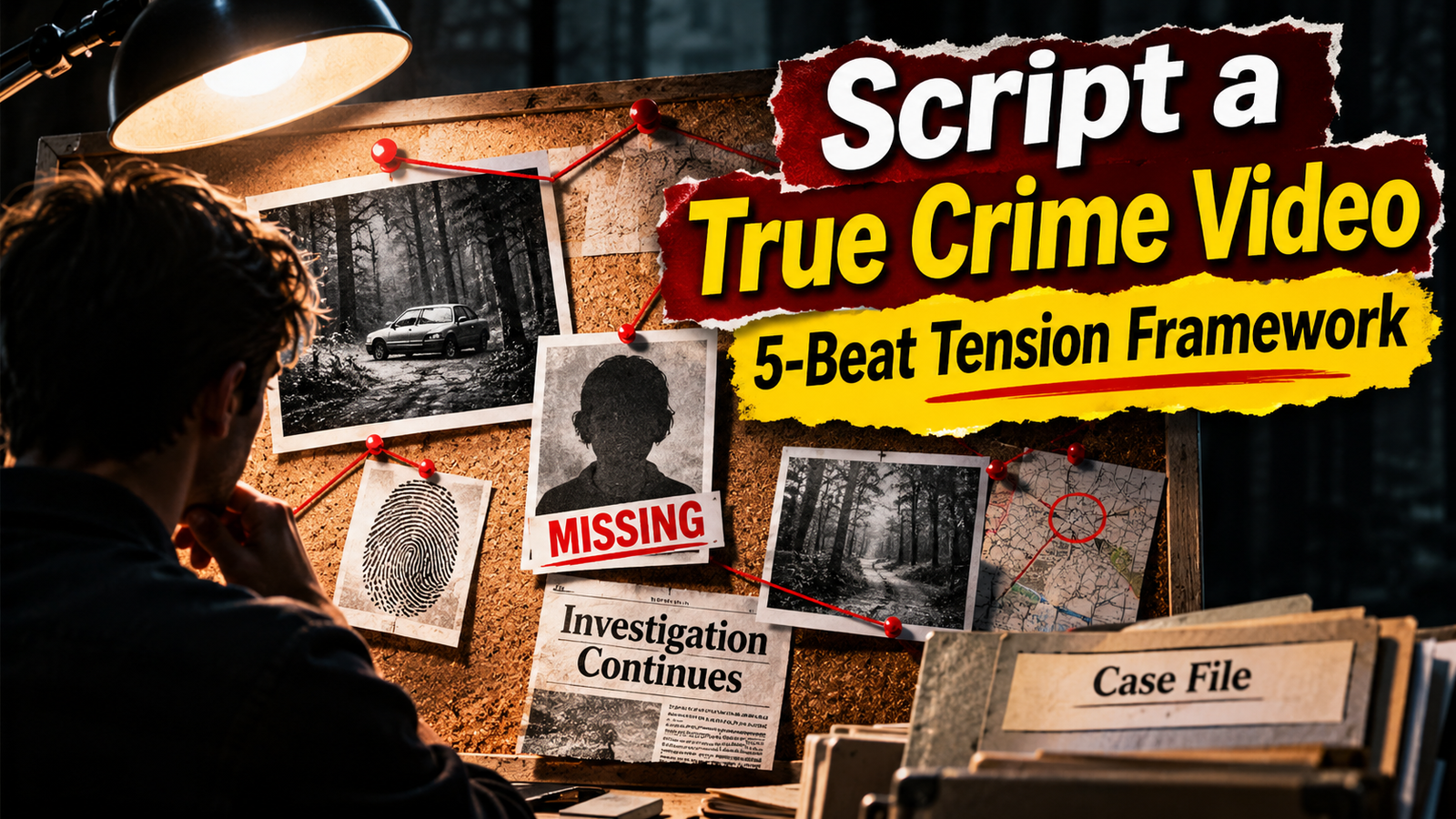
True crime documentary scripting with an investigative evidence board and five-beat tension framework.

Creating a long-form true crime or investigative documentary on YouTube is not about reading a Wikipedia summary over stock footage. Viewers who choose a 20-to-30-minute documentary generally expect more than a list of dates . They want to understand what happened, examine the available evidence, and follow the investigation without being misled by dramatic storytelling. … Read more

Create Movie Review Videos: 6 Best Solo Creator Production Rules

create movie review videos workflow setup for solo creators

Publishing a 10-to-15-minute video on YouTube requires an entirely different creative approach from producing short-form content. If you want to create movie review videos that hold an audience across several minutes, every section must justify the viewer’s time. When your introduction drags, narration feels unnatural, or editing loses momentum, viewers may lose interest before reaching … Read more

How to Protect Your YouTube Channel from Fake Sponsorship Scams (Malicious Attachments and Session Hijacking)

fake sponsorship scams

Receiving an email offering thousands of dollars for a 30-second video integration is an exciting milestone for any video creator. However, cybercriminals frequently exploit this milestone by delivering deceptive brand proposals carrying specialized information-stealing malware. Understanding how fake sponsorship scams operate is essential for protecting your channel, your personal credentials, and your production environment. Instead … Read more

How to Fix Premiere Pro Media Pending Error (Step-by-Step)

premiere pro media pending

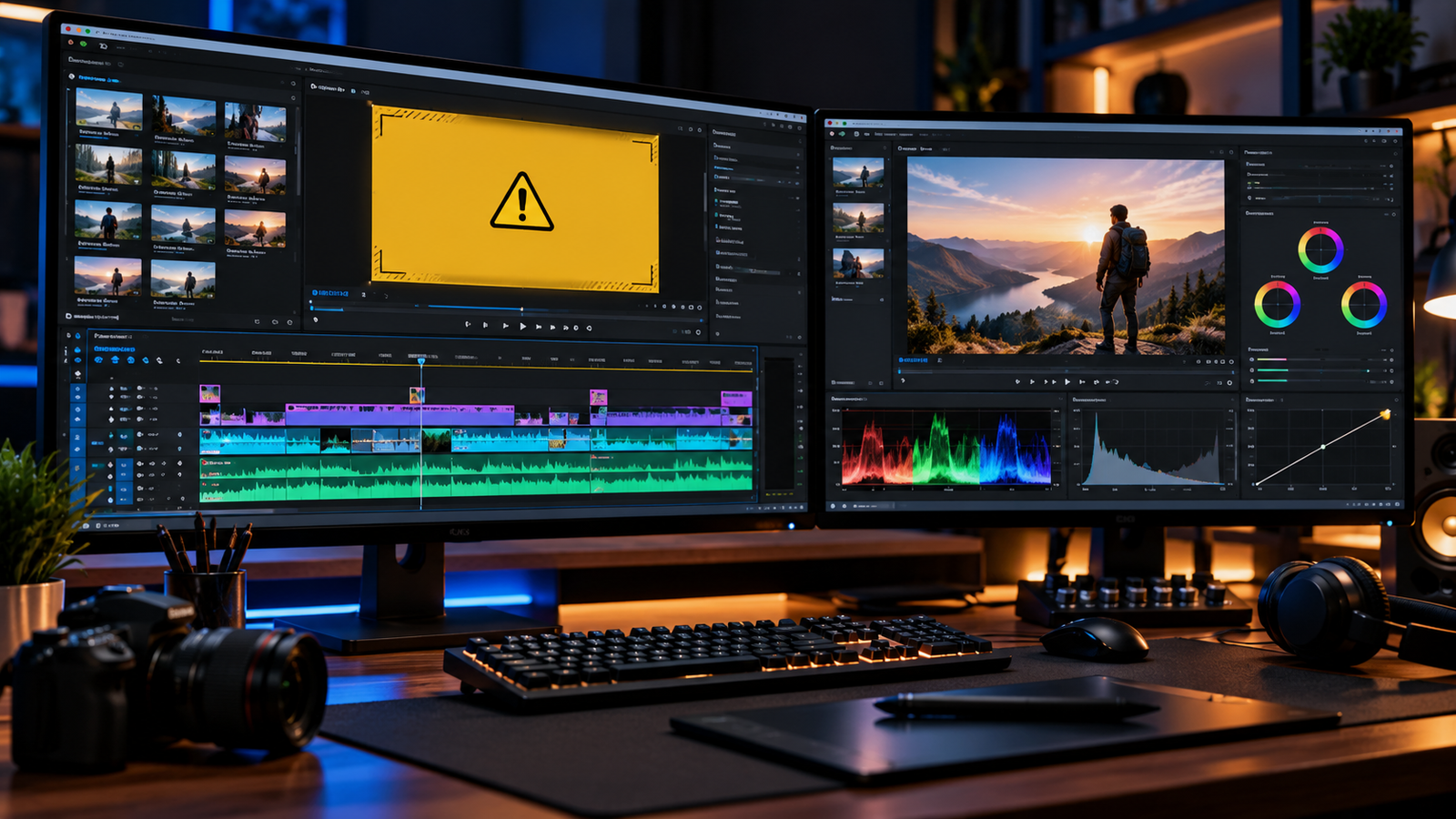
Few things disrupt an editing session faster than seeing a yellow warning screen in your program monitor. When you run into a premiere pro media pending alert, playback freezes, timeline scrubbing becomes sluggish, and your video clips fail to display their visual preview. This warning screen generally appears when Adobe Premiere Pro is still processing, … Read more

How to Fix YouTube Video Processing Stuck at 99% (Step-by-Step)

youtube video processing stuck at 99

Uploading a video to YouTube happens in two distinct phases: first, the raw video file uploads from your computer to YouTube; second, YouTube processes the video so it can be streamed across different resolutions and devices. A frequent issue many creators face is seeing their youtube video processing stuck at 99 percent on the upload … Read more

Why YouTube CTR Drops When Impressions Increase: The Analytics Trap

why youtube ctr drops when impressions increase showing impression surge alongside click through rate analytics graph

Seeing your click-through rate decline on a high-performing video often causes immediate concern. However, understanding why YouTube CTR drops when impressions increase is one of the most critical analytical principles any creator can learn. Many creators panic, assume their thumbnail has failed, and prematurely redesign their packaging—accidentally interrupting their video’s organic discovery. In YouTube Studio, … Read more

How to Fix YouTube Shorts Retention Drop in the First 2 Seconds

fix youtube shorts retention drop

If your analytics show an immediate drop at the start of your videos, learning how to fix YouTube Shorts retention drop is a critical adjustment in your production workflow. Unlike traditional videos where viewers intentionally click a thumbnail from search results or browse features, Shorts are automatically delivered via an infinite scroll feed. When a … Read more

How to Fix YouTube Channel Not Showing in Search: 5 Practical Steps (2026)

youtube channel not showing in search

Searching for your channel name only to find your youtube channel not showing in search is a common issue, especially for newer creators. Instead of your channel, YouTube search results may display related keywords, established creators with similar names, or popular videos. According to YouTube’s search documentation, search results prioritize relevance, engagement, and quality. Relevance … Read more